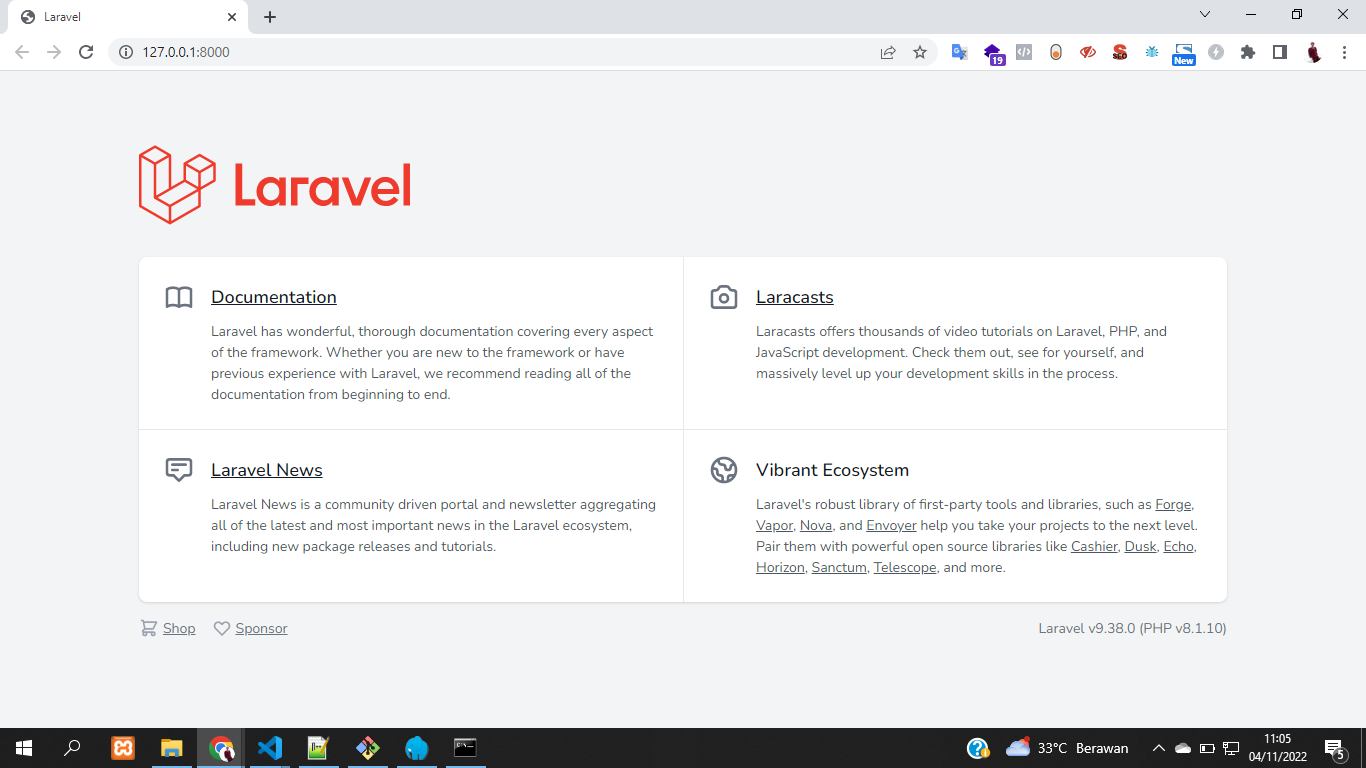
We will start to build API project using Laravel 9, and in this article we will learn how to install laravel 9 in easy way. In this project, we will install Laravel using Laragon. We also will learn how to upload images in API using laravel 9, and simulate the data using API. We use windows 10 to build this project.
1 - Install Git CLI
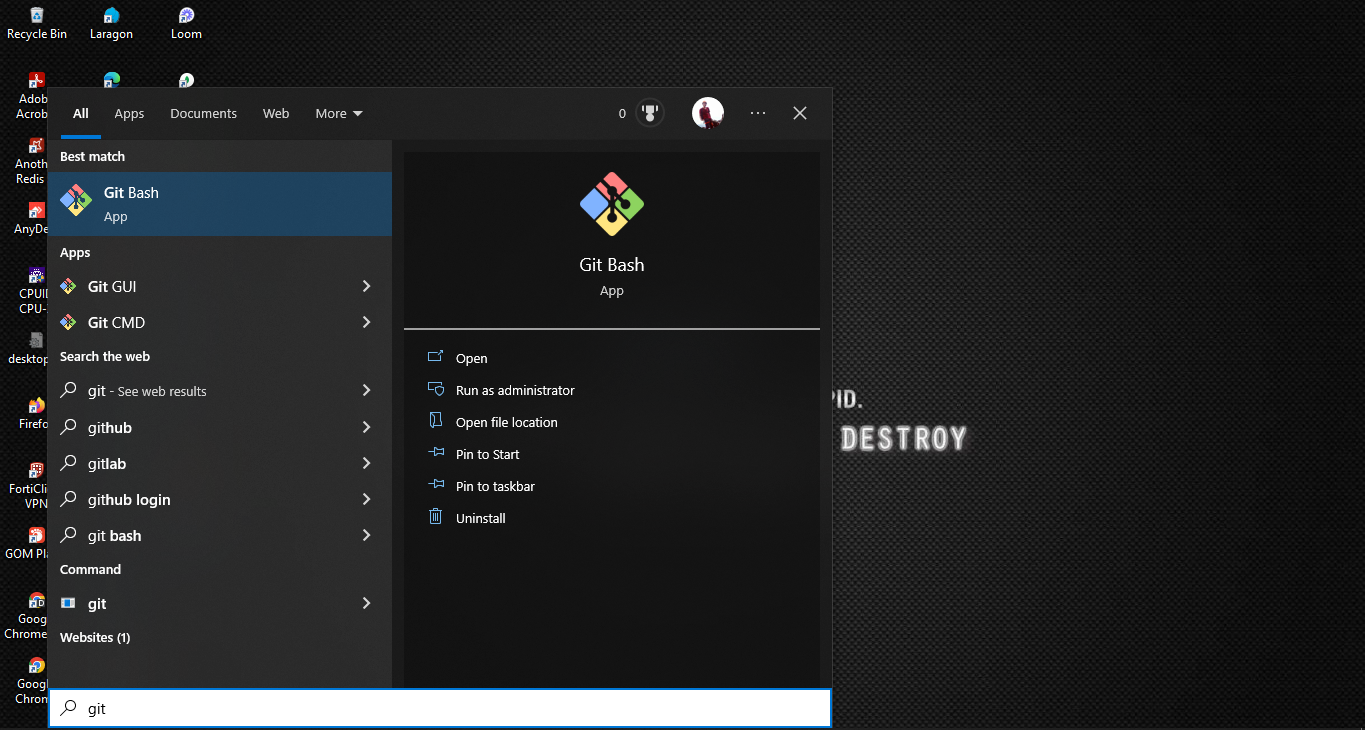
Download and install git from here: https://git-scm.com/. Install like usual, then search git on your machine.
2 - Install Composer
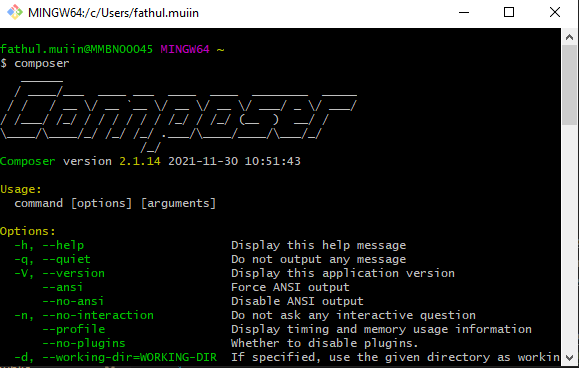
Download and install composer from here: https://getcomposer.org/. After finish to install, check on your git cli, type composer.
3 - Install Laragon
Download and install laragon from here: https://laragon.org/. After finish to install, search on your machine and open it.
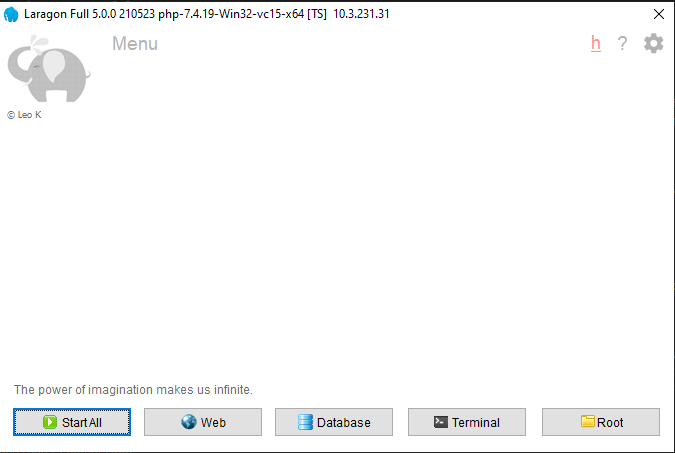
4 - Add PHP 8
Check PHP Version on your machine, make sure your PHP version >= 8. You can open your Git CLI, and type php –version. Or you can check in your laragon-> PHP-> Version.
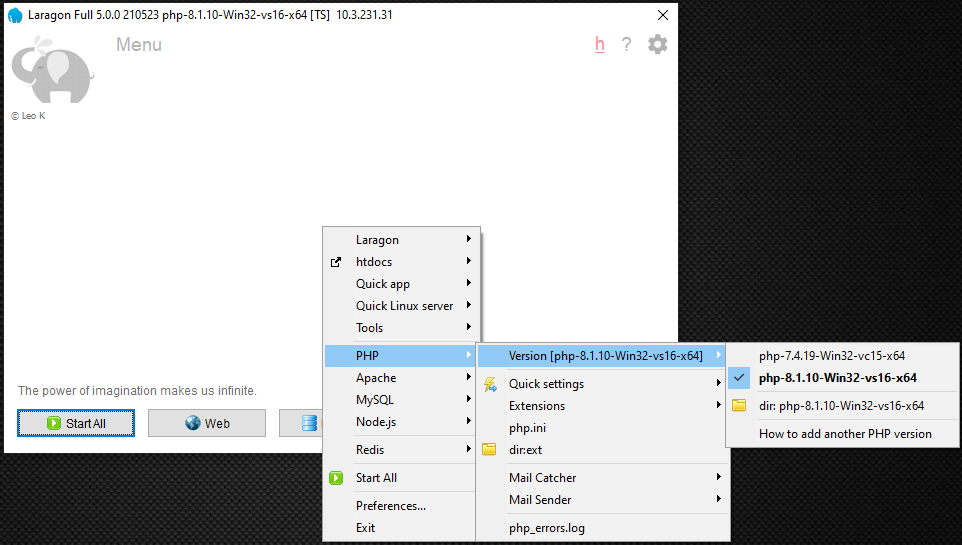
5 - Install Laravel 9
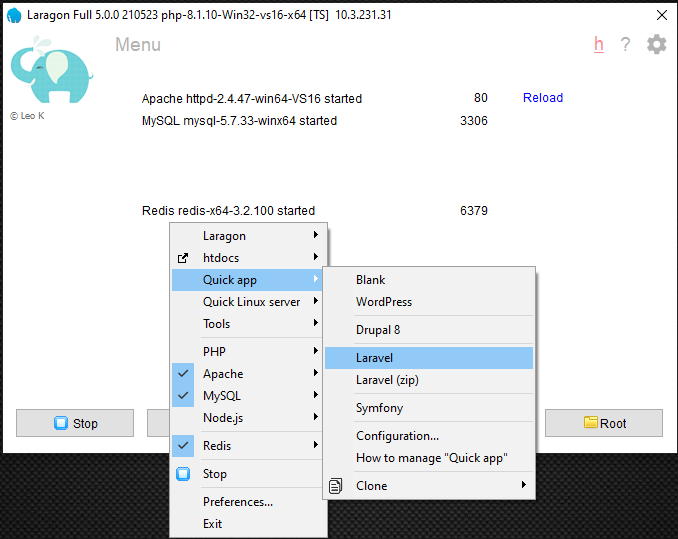
Open Laragon-> Start All-> (Right Click) -> Quick app-> project_name (my laravel project name: laravel-api-blog).
Your Laravel project will automatically installed on document root laragon.
 After finish to install project, open laravel project (laravel-api-blog) using Visual Studio Code. Open terminal, and type: php artisan serve.
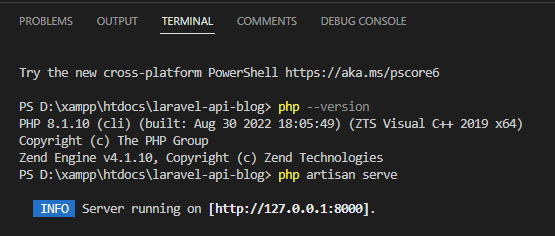
visit http://127.0.0.1:8000/, your laravel 9 installed successfully.